¶ Intro
This page will show you some bits that you may come across while playing on the survival server. Feel free to test these in our creative server if needed and if any more explanations are required please contact us.
¶ Tools
¶ Alex's Mobs Book
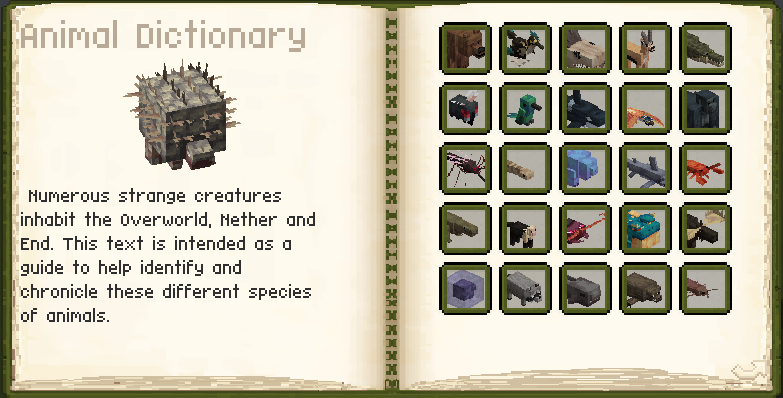
Please don't throw this little book away. You start with it and it will be your guide to most new creatures and critters during your exploration.
¶ Grappling Hook
A handy tool for climbing mountains or towers faster. Can also be used to save yourself in case of a fall or just to swing like Spider-Man.
¶ Spyglass
Perfect for spotting mobs or structures from afar. This vanilla feature has been expanded to allow zoom scrolling and even use it without having it in your main slot.
¶ Loot
¶ Artifacts
Artifacts provide permanent bonuses or special abilities (e.g., faster running, double jumping). Always keep some space in your inventory – many artifacts are one-of-a-kind. They can easily be slotted in your accessories slot. Artifacts can be found in loot chests and will always be dropped by mimics.
¶ Scrolls
Scrolls contain spells you can use. They're very valuable and come in a lot of variety. As they aren't craftable and only acquired through looting or buying bundles from the Wandering Trader you should be concerned not to directly use them as that will consume said scroll. To prevent making scrolls a one-time use only, you could craft yourself a spellbook and place the spell within it to make sure it uses your mana and won't be consumed.
¶ Building
¶ Schematicannon
Automates building based on schematics. Very useful for large structures.
¶ How to use a schematic?
First make the building in creative, when that is done get a schematic and quill. Then right click twice on the schematic and quill to make a cube around the building. Then go to the survival server and get an empty schematic. Put the empty schematic on a schematic table. Scroll to find the right file, put the empty schematic in the left slot and click on the checkmark. Wait until the schematic is made. Then place the schematic around the area you want it to be placed by right clicking on that area. Use ALT + Scroll to choose the function you want, and CTRL + Scroll to use the function. Click on the checkmark if its placed right.
¶ How to build with the schematiccannon?
If you did all the last steps right the rest should go easily. Get a schematiccannon and place it close but outside the area where the building is gonna be build. Put a good amount of gunpower in the slot on the left top when opening the schematiccannon. Then you put the schematic in de bottom left corner. If you want a clipboard or book of the materials you need to gather you can put one in the second slot on the top (from left to right). For some builds you need specific settings. To get to the settings you can click on the button completely on the bottom left. There you can change the settings as needed. If all of that is done, put a chest next to the schematiccannon and put the items for the building in there. The schematiccannon will then automatically build for you (if you stay in close enough range that the chunks are still loaded).
¶ Trowel
For quick and random block placement → ideal for decorative building. Placing blocks in your hotbar and using the trowel will place a random block from said hotbar. Perfect for creating paths and adding texture to your builds.
¶ Exploration
¶ BlueMap
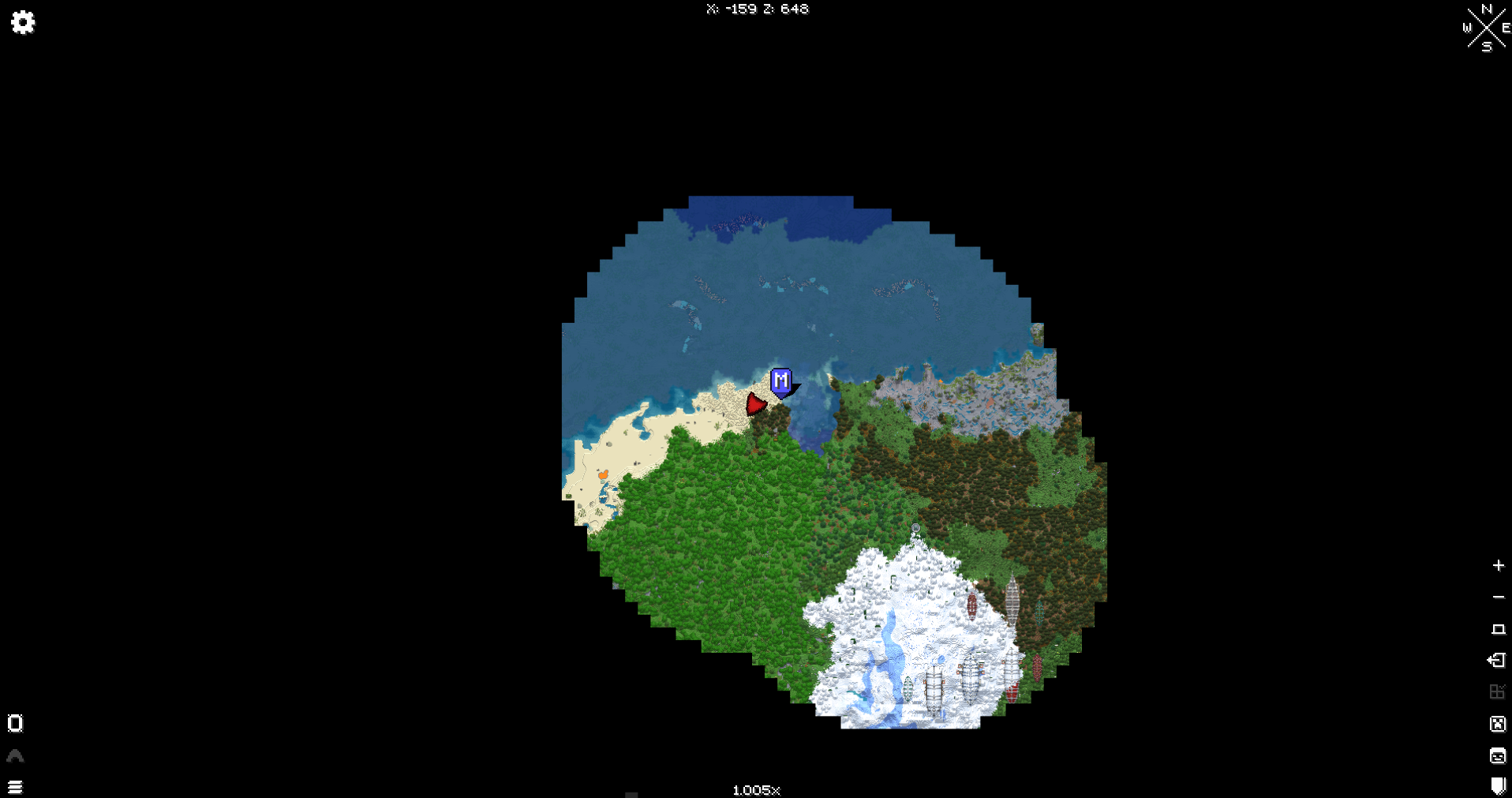
A web-based map of the world. You can find this on the left of the site's navigation or by clicking this sentence.
¶ Distant Horizons
Lets you see much further. Makes exploration epic, but check your performance settings. The best settings are at the Frequently Asked Questions page.
¶ Xaero's map
In-game map with waypoints. Indispensable for finding your way back or marking bases. In settings you can change the key-bind for it.